
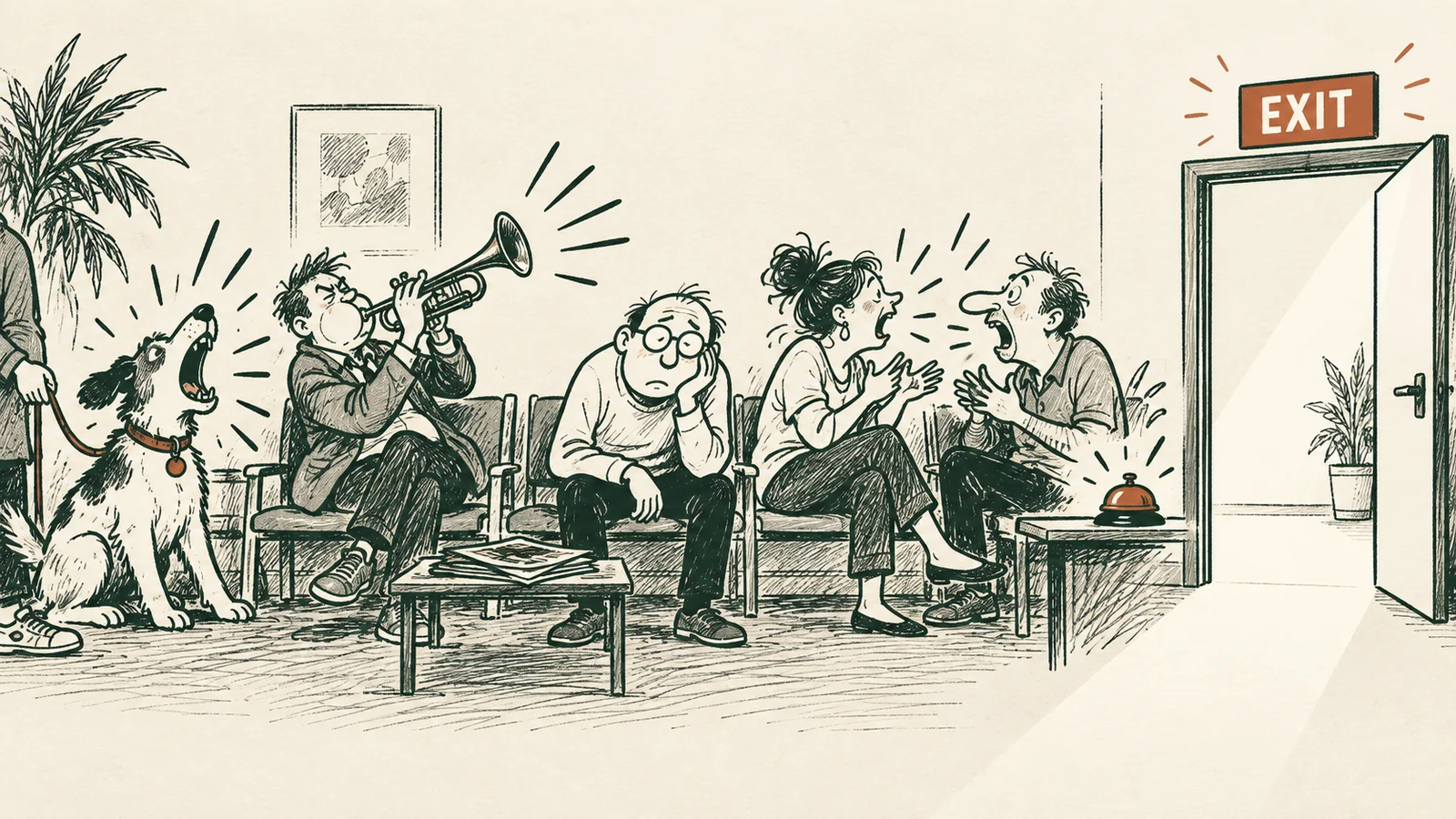
A building has an exit sign for a simple reason. When you want to leave, you should not have to hunt for the door.
Email has never quite followed that rule. The way out of a newsletter is often a tiny link at the bottom of a long message. Find it, click it, and you may discover another obstacle: a website, a form, a login screen, or a page asking whether you are really sure.
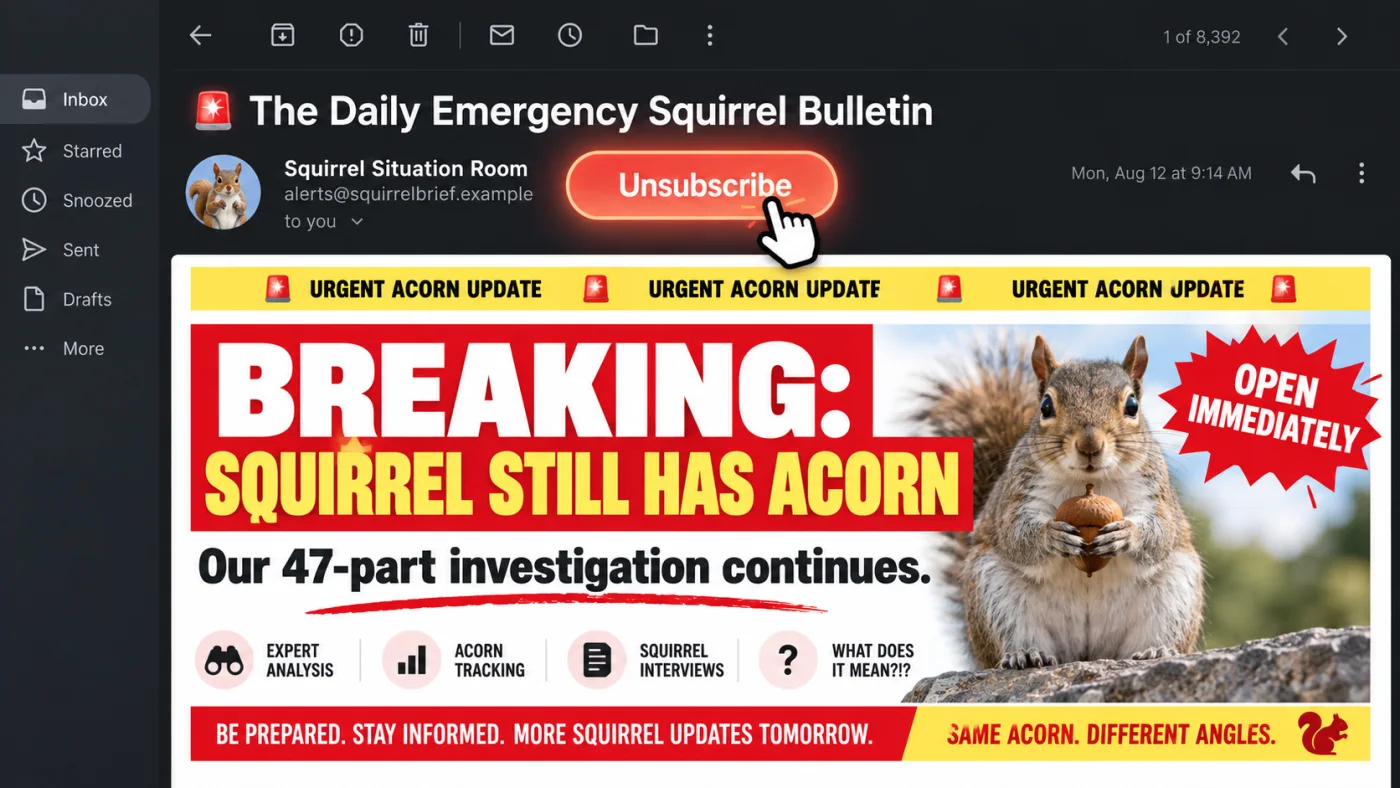
Dakia treats leaving a mailing list the way buildings treat leaving a room. When a sender provides a supported unsubscribe instruction, Dakia places an Unsubscribe action beside the message. It is visible where you are already reading, not buried in the footer.
The way out should be beside the way in.
It isn't guesswork
The Unsubscribe action appears when the sender includes a machine-readable instruction in the email. It lives in a standard field called the List-Unsubscribe header. Think of it as a small note attached to the message that tells email apps how the sender accepts unsubscribe requests.
Dakia reads that instruction instead of searching the visible footer for phrases such as ‘click here to unsubscribe.’ Footer text is inconsistent, and guessing from it could trigger the wrong link. If Dakia cannot find a supported instruction, it does not show the action.
Three exits, one button
Senders can provide various unsubscribe methods, but you don't have to think about that. Dakia detects the supported method and follows the matching path.
- One-click Unsubscribe
- This method provides the best UX and is the most secure. It doesn't open a website and there's no form to fill. Dakia sends a standard unsubscribe request directly to the sender and that's that.
- Email Request
- The sender wants you to send them an email requesting to unsubscribe from their newsletter. Don't worry, you don't have to. Just press the button and Dakia will send the prepared unsubscribe email from your connected account.RFC 6068: The mailto URI scheme
- Web page
- There's probably a form to fill and Dakia can't fill it for you. Dakia will open the sender's unsubscribe page.
So you unsubscribed. But what about the past junk?
Imagine a weekly newsletter that has been arriving for three years. You send the unsubscribe request, but your inbox might already be cluttered with hundreds of past emails from the sender.
Dakia follows the unsubscribe action with an offer you won't refuse: Move to Trash. Sounds simple but is a huge quality of life improvement (why doesn't Gmail do this!?). Of course, the cleanup is optional.
A small feature with a simple rule
Unsubscribing should not feel like a puzzle. The standards already give senders a clear way to mark the exit. Dakia reads that sign, puts it where you can see it, and handles the supported request without exposing the complexity to you.
Then it deals with the part unsubscribe links normally leave behind: the pile of old messages. One action for what comes next, and one optional cleanup for what came before.
A door, clearly marked, at the place where you would look for one.